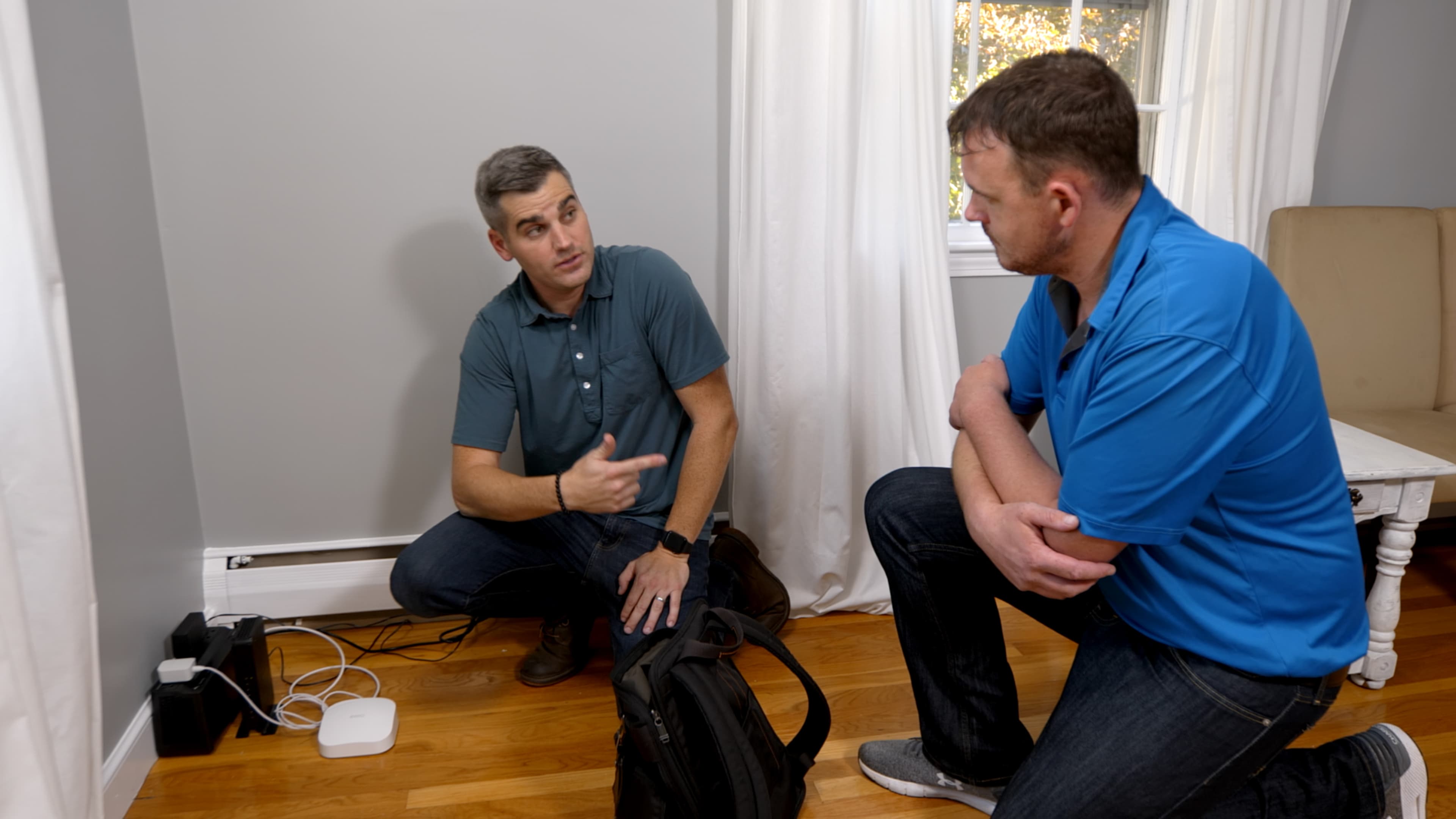
If you’ve ever been watching a game or a favorite show only to have the video stall and buffer, you know how frustrating weak Wi-Fi can be. It’s easy to blame the service provider (and sometimes that is the issue), but internet speed isn’t always about the service coming into the home. Sometimes it’s about the internet equipment in the home, the home’s layout, and other factors. Here’s how to fix it.
Why Your Wi-Fi Signal Feels Weak
Residential Wi-Fi has been around for over 25 years. When it came out, it felt like magic, having the ability to use your laptop untethered from the modem. But it’s hardly magic, what with all the real challenges that can cause slow streaming, buffering, and dropped calls. Sometimes it’s an issue with slow internet service, while other times it’s an issue with your wireless network.
How to Diagnose a Weak Wifi Signal
The first step in fixing your Wi-Fi issue is pinpointing the source of the issue. It could be the service provider, modem, router, interference from other devices, or simply the layout of the home. For the following tests, you’ll need to run a speed test. A quick search for “internet speed test” will produce several reliable options.
Test 1: Check Your Internet Speed at the modem (Wired Test)
Perform a wired test by plugging a laptop directly into the modem using an ethernet cable. Once plugged in, run a speed test. Run the test and compare the results to your internet plan’s advertised speed.
If speeds are lower than what you are paying for, the issue could be a problem with the service or your modem. The best course is to contact the internet provider or upgrade your modem.
If speeds are close to your plan (for example, paying for 200 Mbps and seeing 170–190 Mbps), that;s normal. Internet speeds rarely ever match the exact advertised number. If wired speeds look good, your internet service is likely fine and you should move on to Wi-Fi testing.
Test 2: Check Wi-Fi Speed Beside the Router
Disconnect the ethernet cable from the laptop, but stand near the router. Ensure you’re connected to the Wi-Fi and run another speed test.
If speeds are slow here, you may have a router hardware issue, heavy interference from nearby devices such as a baby monitor or microwave, or your router may be outdated. It’s important to note that some drop in speed from the wired test is normal, but slow speeds are not.
If speeds are fast next to the router but slow everywhere else in the home, it’s likely a coverage issue, many times caused by the router’s placement in the home.
What Causes a Weak Wi-Fi Signal?
If your internet signal and speeds are fine while you’re hardwired to the router, your issue is likely one of the following:
Poor Router Placement
For a router to work its best throughout the whole home, it needs to be placed centrally. If it’s installed too close to an exterior wall, hidden in a cabinet, stored in the basement, or otherwise blocked by dense materials like concrete or metal, move it to a more accessible spot in the center of the home.
Interference from Other Devices
Other devices in the area can cause interference, which will sap the internet speeds you’re expecting. Interference from neighboring Wi-Fi networks, microwaves, baby monitors, Bluetooth devices, and even old-school cordless phones can cause interference.
Wi-Fi Band Type
Most modern routers broadcast on two Wi-Fi bands: 2.4 GHz and 5 GHz. The 2.4 GHz band offers greater range but doesn’t handle interference well, while the 5 GHz band delivers faster speeds over shorter distances with less congestion. If you have a lot of interference to deal with, 5 GHz might be your only option, but that also means your router needs to be placed centrally in the home.
Outdated Router or Modem
Like anything tech-related, older equipment won’t be able to keep up with the newest technology. Outdated equipment can bottleneck speeds, while the latest routers offer Wi-Fi 6 capabilities, which deliver faster speeds and better performance. Newer routers are also more effective at managing multiple devices at once.
Network Congestion
Other challenges you experience might actually be caused by the service usage. Multiple devices running simultaneously are all fighting for the same amount of signal. If someone’s streaming a movie while another is using a connected gaming console and you’re trying to video conference with your boss, you might experience lag and buffering.
How to Fix a Weak Wi-Fi Signal
There are several ways to improve the Wi-Fi signal in a home. Start with the tests above to determine the potential cause, then work your way down these fixes until you’ve solved it.
Update Router Settings
Before upgrading equipment, check your router’s settings. Log in to the admin dashboard and install any available firmware updates, which can improve performance and security. If interference is an issue, switch to a less crowded Wi-Fi channel or enable automatic channel selection (also in your settings).
On dual-band routers, turn on band steering so devices connect to the most appropriate frequency automatically.
Optimize Router Placement
Move the router to a central location in the home. In most cases, this doesn’t require relocating the modem. Simply purchase a longer ethernet cable and move the router itself.
Some goals when moving your router include:
- An elevated position (on a shelf, not on the floor)
- Centrally located
- Away from metal, concrete, or thick walls
- Out in the open (not in a cabinet)
Many homeowners find hallways or open living areas to be the best fit.
Use a wi-fi extender
Wi-Fi Extenders are great for small dead zones. If speeds are strong everywhere but one or two rooms, an extender can be a solution. The goal is not to install it in the problem area, but halfway between the problem area and the router. Note that extenders may reduce the overall speed slightly, so don’t expect the speed to be as fast in the problem area as it is next to the router.
Upgrade to a Modern Router
If previous attempts don’t solve the problem, it’s time to upgrade your router. You’ll want to look for a router with Wi-Fi 6 compatibility and a multi-antenna design. This should improve range and performance and handle more connected devices at one time.
Install a mesh wi-fi system
If extenders and router upgrades don’t cut it, consider investing in a mesh wi-fi system. Unlike a single router that broadcasts from one location, a mesh system uses multiple nodes placed throughout the house to distribute the signal evenly. Each node communicates with the others, creating one seamless network name. Devices automatically connect to the strongest signal as you move from room to room.
Mesh systems are especially effective in multi-story homes, houses with finished basements, or layouts where walls and floors block traditional router signals. The result is stronger, more consistent coverage without the need to manually switch networks.
When to Upgrade Your Internet Plan
Sometimes, the best solution is to upgrade your internet plan. If speeds are consistently lower than the household’s needs because of remote work, streaming, and several connected devices, it may be time to pay for more speed.
Keep in mind that growing smart home systems can be a hidden drain on Wi-Fi systems. Each device added to the home’s smart ecosystem fights with the other devices for Wi-Fi. This can become a problem when the base plan doesn’t provide the speeds necessary.
WiFi Set-Up for First-Time Homeowners
As a first-time homeowner, you have an opportunity to make the most of your Wi-Fi through proper planning and communication with your service provider. On installation day, ask them to install the modem and router in a central location in the home. It is also possible to have ethernet jacks installed in the home, allowing you to hardwire devices like TVs and gaming consoles.
A bit of planning and some understanding about the strengths and downfalls of Wi-Fi will help with making the best decision for your new home’s Wi-Fi service.
Solving Weak Wi-Fi the Right Way
By now, we know that randomly sticking extenders throughout the home is not a viable solution. Fixing your Wi-Fi requires proper diagnostics before moving or upgrading anything. Once you know what the problem is, you can head down a logical repair path until your Wi-Fi speed and signal are strong throughout the entire house. The truth is that most Wi-Fi issues have straightforward solutions, and you can find yours with the right approach.